Building Multi-Agent Systems with LangChain and OpenAI: Subagents, Handoffs and Supervisors
How to build multi-agent systems with LangChain 1.x and the OpenAI Agents SDK: supervisor and subagents, handoffs, and when one agent is enough.
Usama Munawar4 min read

The short answer
Start with one agent and good tools. Add more agents only when a single prompt has to cover distinct domains (say calendar, email and CRM), or when one context window can no longer hold everything the task needs.
When you do need several, the default in LangChain today is the subagents pattern: a main agent, often called the supervisor, calls each specialist agent as a tool. All of them are built with create_agent. Use handoffs instead when a specialist has to take over the conversation with the user.
When I first wrote this post in 2025, the code used AgentExecutor. That approach has been replaced by create_agent in LangChain 1.x, and the langgraph-supervisor package is no longer actively maintained, so new projects should not start from either.
When one agent is not enough
More agents add model calls, latency and new ways to fail, so I look for a concrete reason:
- Distinct domains, each with its own tools and instructions, that confuse a single prompt.
- Context pressure. A research step can read twenty pages; the agent writing the answer only needs the findings.
- Different models per step: a small, cheap model for routing and a stronger one for reasoning.
- Parallel work that can run at the same time.
If the steps always run in the same order, you do not need agents choosing what to do next. A plain workflow (a LangGraph graph, or ordinary code calling the model) is cheaper and much easier to test.
Pattern 1: a supervisor with subagents
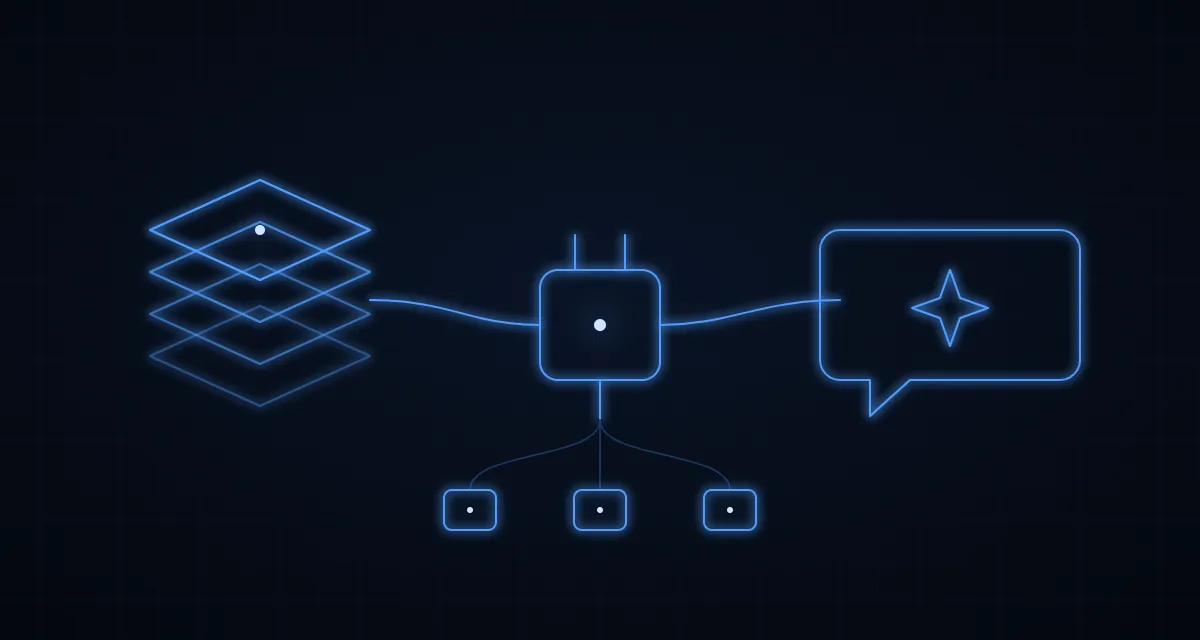
Each subagent is a normal agent wrapped in a tool. The supervisor decides when to call it and only ever sees its final answer, so every subagent works with a clean, small context.
from langchain.agents import create_agent
from langchain.tools import tool

MODEL = "openai:gpt-5-mini"  # any "provider:model" string works

research_agent = create_agent(
    model=MODEL,
    tools=[search_web, fetch_page],  # your own tools
    system_prompt="Research the topic and return findings with source URLs.",
)

review_agent = create_agent(
    model=MODEL,
    tools=[],
    system_prompt="Check the draft against the brief and list every problem.",
)

@tool("research", description="Research a topic and return findings with sources")
def research(query: str) -> str:
    result = research_agent.invoke({"messages": [{"role": "user", "content": query}]})
    return result["messages"][-1].content

@tool("review", description="Review a draft against its brief and list problems")
def review(draft_and_brief: str) -> str:
    result = review_agent.invoke({"messages": [{"role": "user", "content": draft_and_brief}]})
    return result["messages"][-1].content

supervisor = create_agent(
    model=MODEL,
    tools=[research, review],
    system_prompt="Plan the task, call research and review as needed, then write the final answer.",
)

answer = supervisor.invoke({"messages": [{"role": "user", "content": "Write a brief on ..."}]})
Two details matter in practice. Make each subagent return a short, structured result rather than its whole transcript, or the supervisor's context fills up again. And write tool descriptions as carefully as prompts: they are how the supervisor decides which specialist to call.
Pattern 2: handoffs
In a handoff, control moves to another agent, and that agent talks to the user directly. A support triage agent that passes billing questions to a billing agent is the classic case. In LangChain, a tool call updates the conversation state and routing follows it. LangChain's multi-agent documentation covers both patterns and how many model calls each one costs.
My rule of thumb: use subagents when the user should hear one voice and the work spans several domains; use handoffs when the specialist should run the rest of the conversation.
The same patterns in the OpenAI Agents SDK
If you are on OpenAI's own SDK, both patterns are built in: handoffs for passing control and as_tool() for the manager style.
from agents import Agent, Runner

billing = Agent(name="Billing", instructions="Answer billing questions.")
refunds = Agent(name="Refunds", instructions="Handle refund requests.")

# Handoff: triage passes the conversation to a specialist
triage = Agent(
    name="Triage",
    instructions="Send billing questions to Billing and refund requests to Refunds.",
    handoffs=[billing, refunds],
)

# Agents as tools: a manager calls specialists and keeps control
manager = Agent(
    name="Manager",
    instructions="Use the specialists, then answer the user yourself.",
    tools=[
        billing.as_tool(tool_name="billing_expert", tool_description="Answers billing questions"),
        refunds.as_tool(tool_name="refunds_expert", tool_description="Handles refund requests"),
    ],
)

result = Runner.run_sync(triage, "I was charged twice this month.")
print(result.final_output)
Tools through MCP
The Model Context Protocol (MCP) lets agents use tools served by an MCP server instead of integrations hard-coded into each agent. LangChain loads MCP tools through langchain-mcp-adapters, and the OpenAI Agents SDK connects to MCP servers directly. If your product runs on Laravel, my Laravel MCP server post shows how to expose your own app's actions this way, and the stateless MCP spec post covers the latest protocol changes.
What goes wrong in production
- Loops and runaway cost. Cap the number of steps:
recursion_limitin LangChain's run config,max_turnsin the Agents SDK. - Actions without a person in the loop. Anything that sends, pays or deletes should wait for approval. LangChain has human-in-the-loop middleware for this, and the Agents SDK supports approvals.
- No evaluation. Keep a fixed set of test tasks and compare the outputs after every prompt or model change.
- No tracing. You cannot debug a supervisor you cannot see. Turn on LangSmith or the Agents SDK's tracing from day one.
Every subagent call is another paid model call, so a supervisor with three subagents can cost several times what one agent costs per request. The AI API cost calculator estimates the monthly bill and compares OpenAI, Claude and Gemini models side by side.
Where I have used it
I deployed this architecture for a client's automated content pipeline: a research agent gathers material, the main agent drafts, and a review agent checks each draft against the brief before anything goes further. The system generates, reviews, optimizes and publishes content with minimal human intervention. Result: 10x faster content production with higher quality scores.
Building agents into your own product or workflow? See AI integration, or email devusamaworks@gmail.com or WhatsApp +92 303 8004684 for a free 30-minute call.
A question about this article?Ask me on WhatsApp