Laravel AI SDK: Build an Agent with Tools and Semantic Search
A hands-on guide to the Laravel AI SDK: install it, write an agent with structured output and tools, add pgvector semantic search, and fail over between providers.
Usama Munawar4 min read
What the Laravel AI SDK is
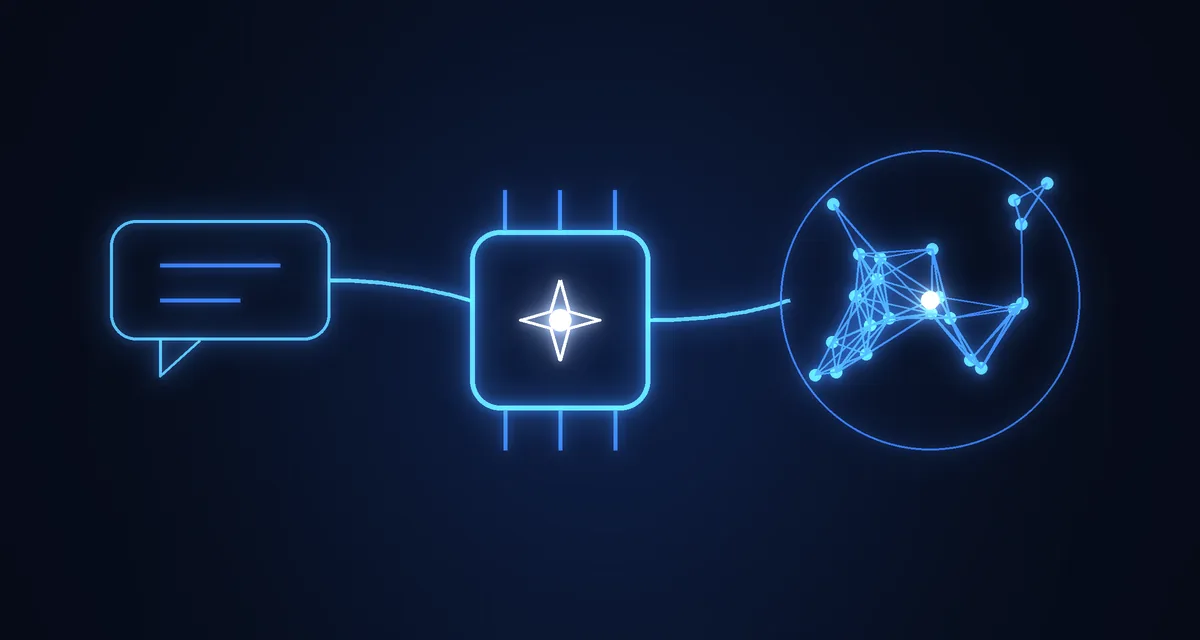
The Laravel AI SDK (laravel/ai) is the first-party package for AI features in Laravel 13. It gives you one API for text and agents, embeddings, reranking, images, audio, transcription, files and vector stores, and it sits on top of several providers, so the model is a configuration choice and not a rewrite.
Provider support, as listed in the documentation:
| Feature | Providers |
|---|---|
| Text | OpenAI, Anthropic, Gemini, Azure, Groq, xAI, DeepSeek, Mistral, Ollama |
| Images | OpenAI, Gemini, xAI |
| Speech (TTS and STT) | OpenAI, ElevenLabs, Mistral (STT only) |
| Embeddings | OpenAI, Gemini, Azure, Cohere, Mistral, Jina, VoyageAI |
| Reranking | Cohere, Jina |
The documentation for this package was still marked as covering an upcoming version when I wrote this, so treat the examples below as the shape of the API and check the current docs before you copy them into production.
Install it
composer require laravel/ai
php artisan vendor:publish --provider="Laravel\Ai\AiServiceProvider"
php artisan migrate
The migration creates the tables the SDK uses to store conversations. Add your provider keys to .env (for example ANTHROPIC_API_KEY or OPENAI_API_KEY) and set default models in config/ai.php.
An agent is a class
The core idea is that an agent is a dedicated PHP class holding the instructions, context, tools and output schema for one job. Generate one with Artisan:
php artisan make:agent SalesCoach --structuredThen fill it in:
class SalesCoach implements Agent, HasStructuredOutput
{
    use Promptable;

    public function instructions(): Stringable|string
    {
        return 'You are a sales coach, analyzing transcripts and providing feedback and an overall sales strength score.';
    }

    public function schema(JsonSchema $schema): array
    {
        return [
            'feedback' => $schema->string()->required(),
            'score' => $schema->integer()->min(1)->max(10)->required(),
        ];
    }
}
Prompting it returns a structured response you read like an array:
$response = (new SalesCoach)->prompt('Analyze this sales transcript...');

return $response['score'];
Structured output is the feature I would reach for first. A score, a category or a list of extracted fields that your code can rely on is far more useful in a product than a paragraph of prose.
Give the agent tools
Tools let the agent call your code while it answers. Generate one with php artisan make:tool, which creates a class in app/Ai/Tools:
class RandomNumberGenerator implements Tool
{
    public function description(): Stringable|string
    {
        return 'This tool may be used to generate cryptographically secure random numbers.';
    }

    public function handle(Request $request): Stringable|string
    {
        return (string) random_int($request['min'], $request['max']);
    }

    public function schema(JsonSchema $schema): array
    {
        return [
            'min' => $schema->integer()->min(0)->required(),
            'max' => $schema->integer()->required(),
        ];
    }
}
Return it from the agent's tools() method and the model can decide when to call it. The same rule applies as for any tool a model can call: validate the arguments, scope every query to the signed-in user, and never expose an operation you would not expose to a form. I go deeper on that for MCP in Laravel MCP server.
Semantic search with pgvector
For "search by meaning" you store an embedding next to each record and query by similarity. On PostgreSQL with pgvector, the migration is:
Schema::ensureVectorExtensionExists();

Schema::create('documents', function (Blueprint $table) {
    $table->id();
    $table->string('title');
    $table->text('content');
    $table->vector('embedding', dimensions: 1536);
    $table->timestamps();
});
Adding ->index() to the vector column creates an HNSW index with cosine distance, and the model casts the column to array. Querying is one method:
$documents = Document::query()
    ->whereVectorSimilarTo('embedding', 'best wineries in Napa Valley')
    ->limit(10)
    ->get();
whereVectorSimilarTo filters by a minimum cosine similarity between 0.0 and 1.0 (you can pass minSimilarity: 0.4) and orders by similarity. Given a plain string, Laravel generates the embedding for you. If you need more control there are lower-level methods: whereVectorDistanceLessThan, selectVectorDistance and orderByVectorDistance.
This is a good fit for retrieval in a support assistant or a knowledge base without running a separate vector database, as long as you are on PostgreSQL. If you are choosing between databases, see MySQL vs PostgreSQL for Laravel SaaS. For the wider design questions around chunking, evaluation and failure modes, see production RAG systems: lessons learned.
Failover between providers
Provider outages and rate limits are routine. The SDK lets you pass a list of providers and falls back to the next one on a service interruption or rate limit:
$response = (new SalesCoach)->prompt(
    'Analyze this sales transcript...',
    provider: [Lab::OpenAI, Lab::Anthropic],
);
That one argument is a cheap resilience win for any feature that must keep working.
Production notes
- Queue long calls. Agents can be queued, so slow model calls never block a web request.
- Test with fakes. The SDK provides fakes for agents, images, audio, embeddings and more, so your tests never hit a paid API.
- Budget and log. Cap output length, record token usage per user or tenant, and rate-limit expensive endpoints from day one.
- Keep prompts in code review. Instructions live in a class, so changes show up in pull requests like any other behaviour change.
Need this built?
Adding AI features to a Laravel product? See AI integration and Laravel development, or email devusamaworks@gmail.com or WhatsApp +92 303 8004684 for a free 30-minute call.
A question about this article?Ask me on WhatsApp