Asterisk + Laravel: Building a Real-Time VoIP Call Center from Scratch
How I integrated Asterisk with Laravel to build Solutions Zilla: a real-time call center portal with live agent monitoring, routing and CDR analytics.
Usama Munawar1 min read

The Challenge
Most call center software is expensive, locked-in, and hard to customize. So I built one from scratch using Asterisk, Laravel, and WebSockets.
The Architecture
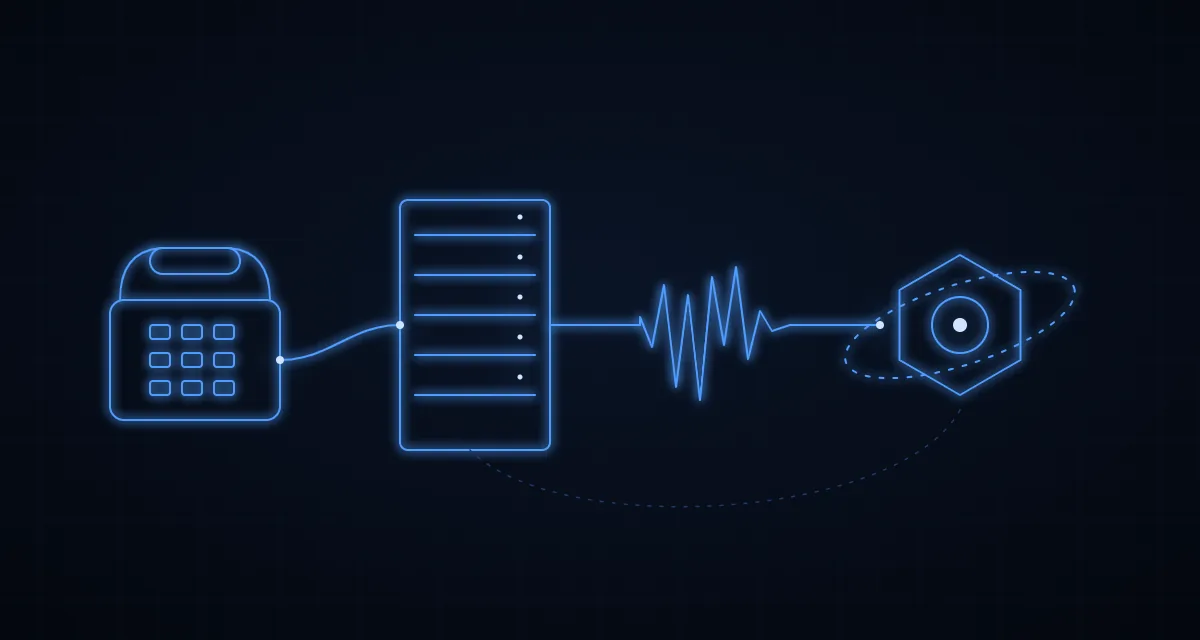
SIP Trunk → Asterisk PBX → AMI/ARI → Laravel API → WebSocket → React DashboardAsterisk Manager Interface (AMI)
Laravel listens to AMI events in real time:
$ami = new AMIClient('127.0.0.1', 5038);
$ami->on('Newchannel', function ($event) {
    broadcast(new CallStarted($event['CallerIDNum'], $event['Channel']));
});
Live Agent Dashboard
Every agent state change (ringing, talking, idle, wrap-up) is pushed to the React dashboard via Laravel Reverb WebSockets, so supervisors see what's happening as it happens.
What I Learned
- AMI is noisy, filter aggressively or you'll drown in events
- Always queue CDR writes, never block the call flow
- Use ARI for new builds, AMI is legacy but still reliable
- Audio quality wins clients, codec choice matters more than UI polish
If you are weighing a self-hosted Asterisk setup like this against a cloud platform, the Twilio vs Asterisk cost calculator shows where the two monthly bills cross for your call volume.
Real Impact
The Solutions Zilla portal handles thousands of calls per day with sub-second dashboard updates and full CDR analytics, all on a single mid-tier server.
Telephony is one of the most underrated areas where Laravel shines.
A question about this article?Ask me on WhatsApp