15 Free AI and Online Tools Worth Bookmarking in 2026 (With Real Limits)
15 free AI and browser tools I would bookmark in 2026: what each one does, what the free plan really includes, the limits, and the privacy points to check.
Usama Munawar13 min read
The short version
These are 15 free tools I would bookmark. I checked each one on its own website, pricing page, help centre or GitHub repository in October 2026, and I note what the free plan gives you and where it stops.
Not all of them are AI. AudioMass, PairDrop, BentoPDF, Photopea, Tally and Cobalt are plain web apps, and several run entirely in your browser, which is often the better choice for private files.
| Tool | What it does | Free plan | Sign-up needed |
|---|---|---|---|
| Duck.ai | Private chat with several AI models | Free within a daily limit | No |
| Perplexity | AI answers with cited sources | Basic searches, a few Pro Searches | For history and settings |
| Qwen Chat | Alibaba's general AI assistant | Free to use | Log in offered |
| Gamma | AI slides, documents and web pages | 400 one-off credits, Gamma badge | Yes |
| Napkin AI | Turns text into diagrams and charts | 500 AI credits a week, Napkin branding | Yes |
| Goblin Tools | Small AI helpers for tasks and tone | Free website, no ads | No |
| Google Vids | Video editor with AI help | 50 AI credits a month (personal account) | Google account |
| Lumen5 | Turns text into short videos | 5 videos a month, 720p, branded outro | Yes |
| AudioMass | Audio editor in the browser | Free, open source (MIT) | No |
| Cobalt | Saves media from public links | Free, open source (AGPL-3.0), no ads | No |
| BentoPDF | PDF toolkit that runs in the browser | Free, open source (AGPL-3.0) | No |
| TinyWow | 200+ file, PDF, image and AI tools | Free with ads, Premium removes them | No |
| PairDrop | Sends files between nearby devices | Free, open source (GPL-3.0) | No |
| Photopea | Photoshop-style image editor | Free with ads, Premium removes them | No |
| Tally | Forms you build like a document | Unlimited forms and submissions (fair use) | Not to start |
Free plans change often. Treat the limits here as a snapshot from October 2026 and check the pricing page before you rely on one for work.
AI assistants and research
Duck.ai
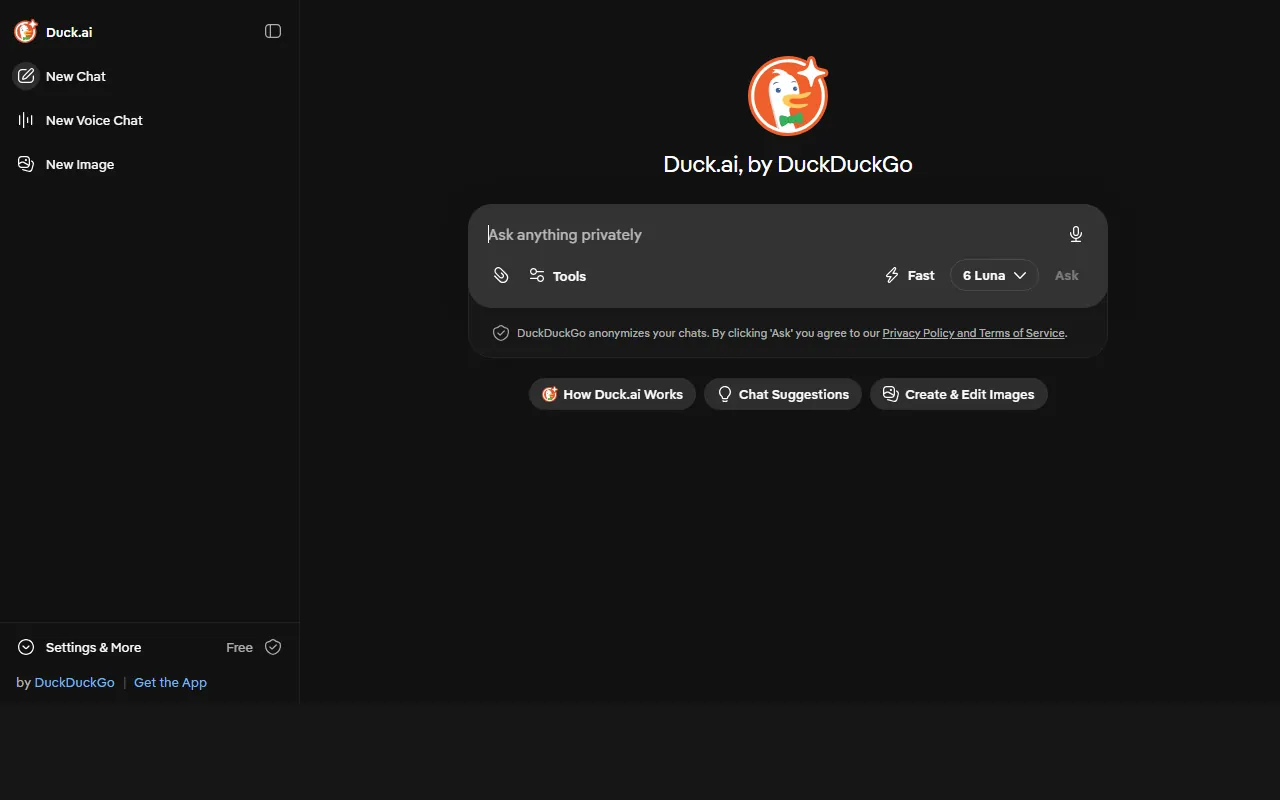
Duck.ai is DuckDuckGo's chat interface for several AI models, including smaller models from OpenAI, Anthropic and Mistral and open models such as gpt-oss and Gemma. Text chat, voice chat and image generation are free within a daily limit, and DuckDuckGo says no account is needed. Paid Plus and Pro subscriptions raise the limits and add larger models.
Privacy is the reason to use it. DuckDuckGo says it removes your IP address and other metadata before a prompt reaches the model provider, does not store chats by default, and has agreements with providers not to train on chats and to delete them after the reply (with stated exceptions, such as legal requirements).
- Good for: quick questions you would rather not attach to your main AI account.
- Watch out: the daily limit is not a fixed number of messages, and bigger models use it up faster. Anonymised is not the same as secret, so still leave out names and client data.
Perplexity
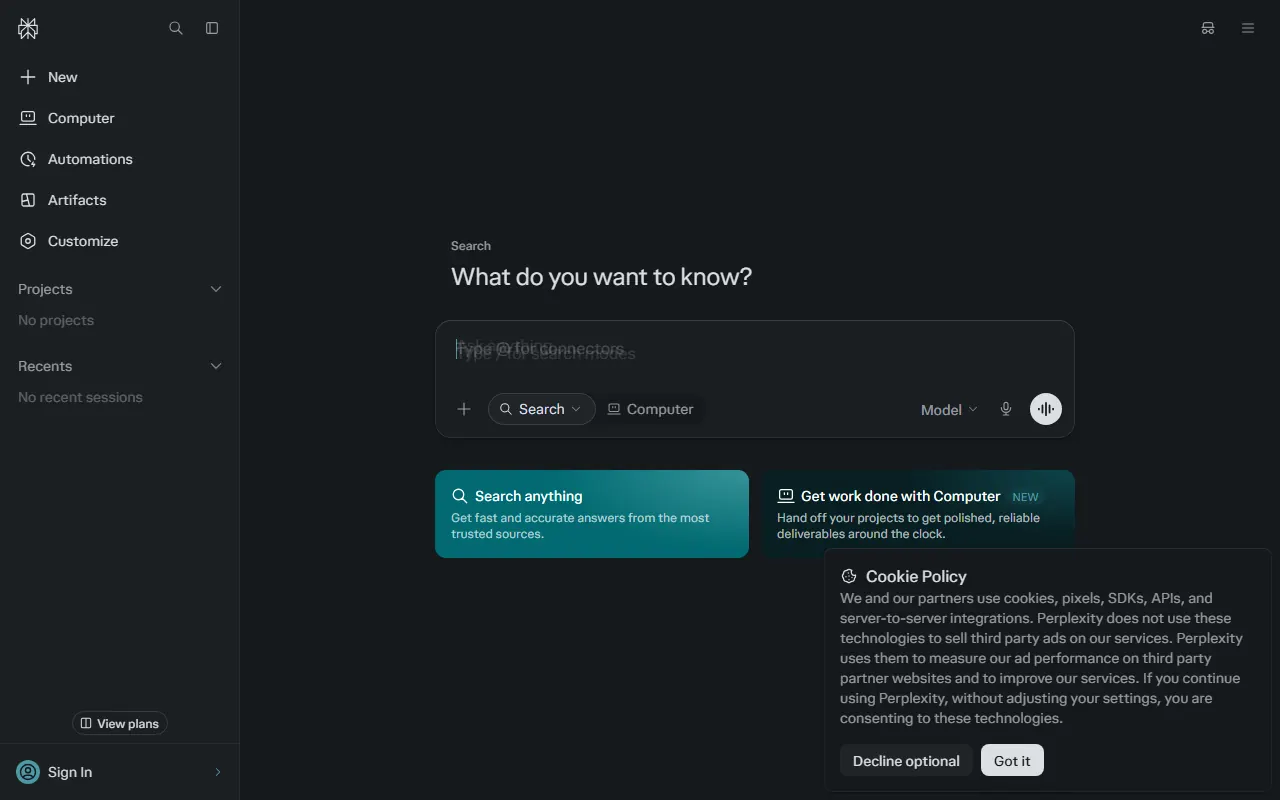
Perplexity answers questions by searching the web and citing its sources, so you can click through and check. The free plan includes what Perplexity calls practically unlimited basic searches and a small number of Pro Searches (its plans page listed 3 a day when I checked, while the pricing page talks about limited usage), limited file uploads, and no access to advanced models or image generation.
- Good for: research where you need to see where a claim came from.
- Watch out: "AI Data Retention" is on by default for free accounts, which lets Perplexity use your searches to improve its models. You can switch it off under Settings, Preferences, but it only applies from that point on. Always open the cited source before you quote it.
Qwen Chat
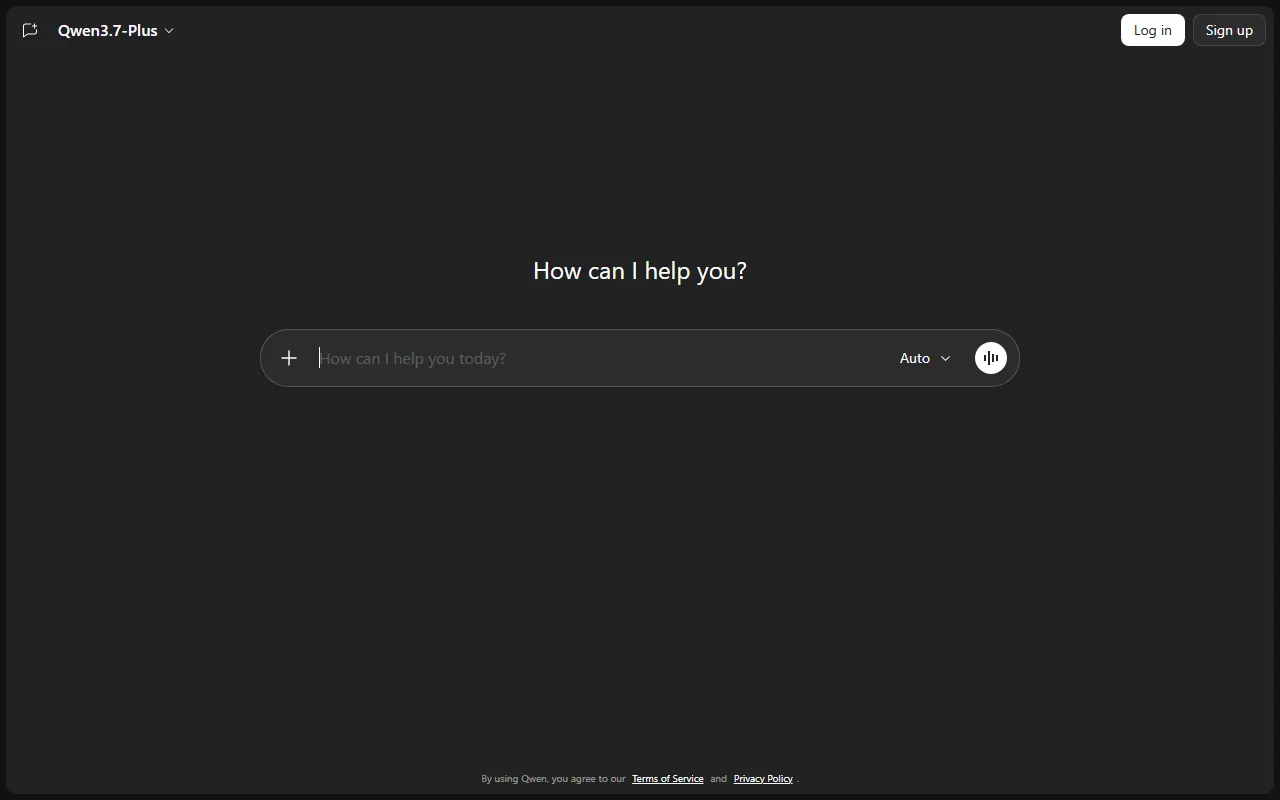
Qwen Chat is Alibaba's assistant built on its Qwen models. The Qwen site says it is "free to use, open to all", and it covers the usual ground: chat, reading files and images, web search and image generation. It is a useful second opinion next to ChatGPT or Gemini.
- Good for: comparing answers across models, and coding or writing help without a subscription.
- Watch out: the privacy policy says the service is operated from Singapore, your input is processed by Alibaba Cloud (Singapore), and "de-identified user content" may be used for model training. It also asks you to avoid entering sensitive personal data. Take that advice literally.
Writing, slides and visuals
Gamma
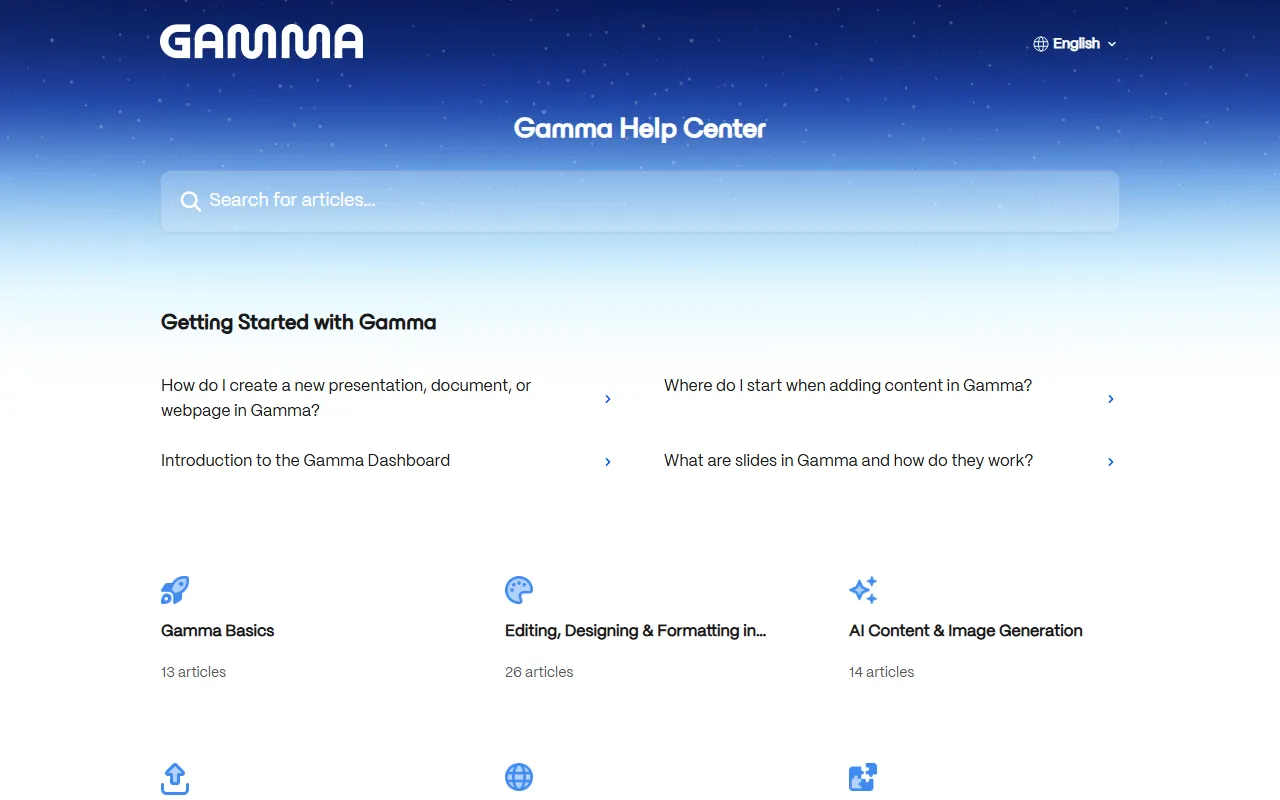
Gamma turns a prompt, notes or a document into a presentation, a document or a simple web page, which you edit with blocks and can export to PDF or PowerPoint.
The free plan is a one-off allowance: 400 credits when you sign up, and Gamma's help centre says free credits do not refresh. You can earn more by referring people (200 each). Free generation is capped at 10 slides per prompt, and free exports and shared decks carry a "Made with Gamma" badge, which the paid Plus plan removes.
- Good for: a first draft of a pitch or a workshop deck that you then rewrite in your own words.
- Watch out: 400 credits go quickly if you regenerate a lot. Plan the outline yourself first, then generate once.
Napkin AI
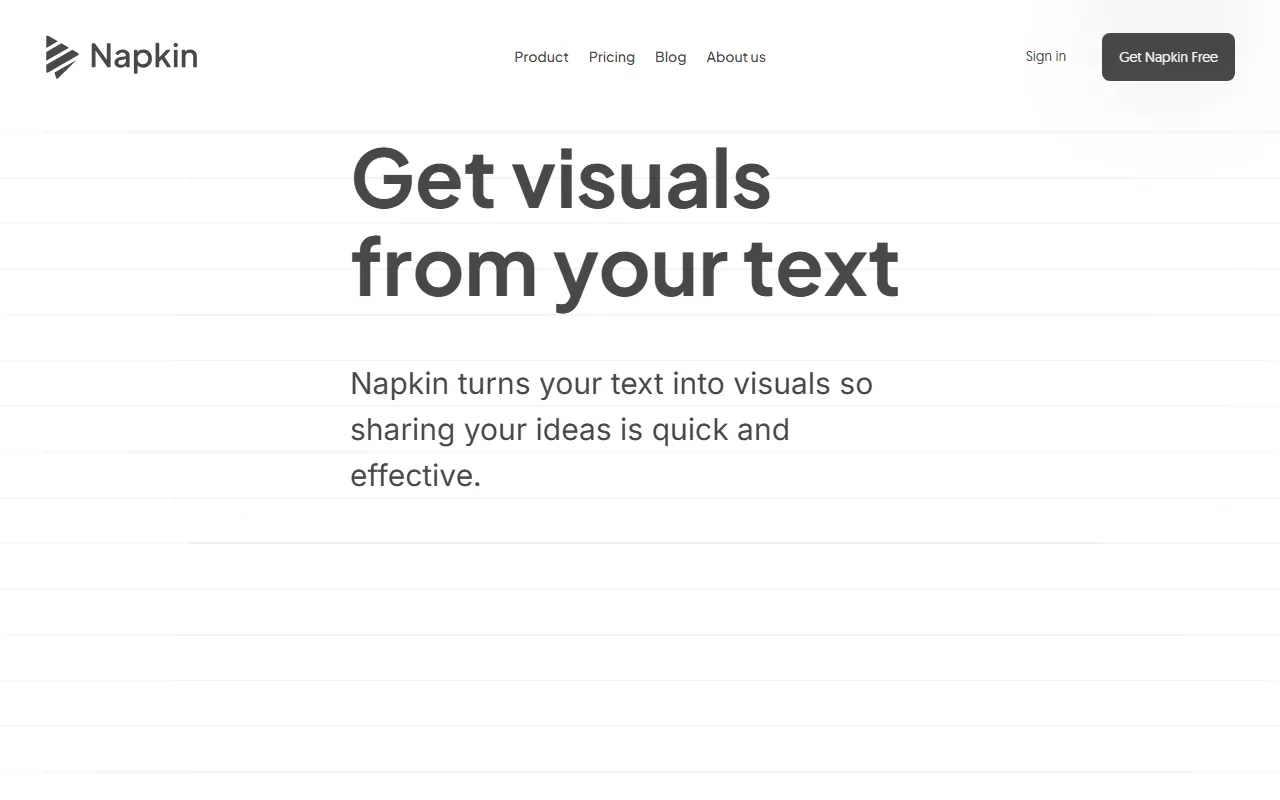
Napkin takes text you paste or write and suggests visuals for it: diagrams, flowcharts, mind maps, infographics and simple charts. You pick one and adjust colours, icons and layout, with little prompting involved.
The free plan gives 500 AI credits a week, unlimited editing, and unlimited PNG and PDF exports, with Napkin branding on the visuals. SVG and PowerPoint export and removing the branding need the paid Plus plan.
- Good for: turning a paragraph in a proposal or a blog post into a clear diagram in a few minutes.
- Watch out: check that the diagram says what your text says. A neat visual can quietly drop a step.
Goblin Tools
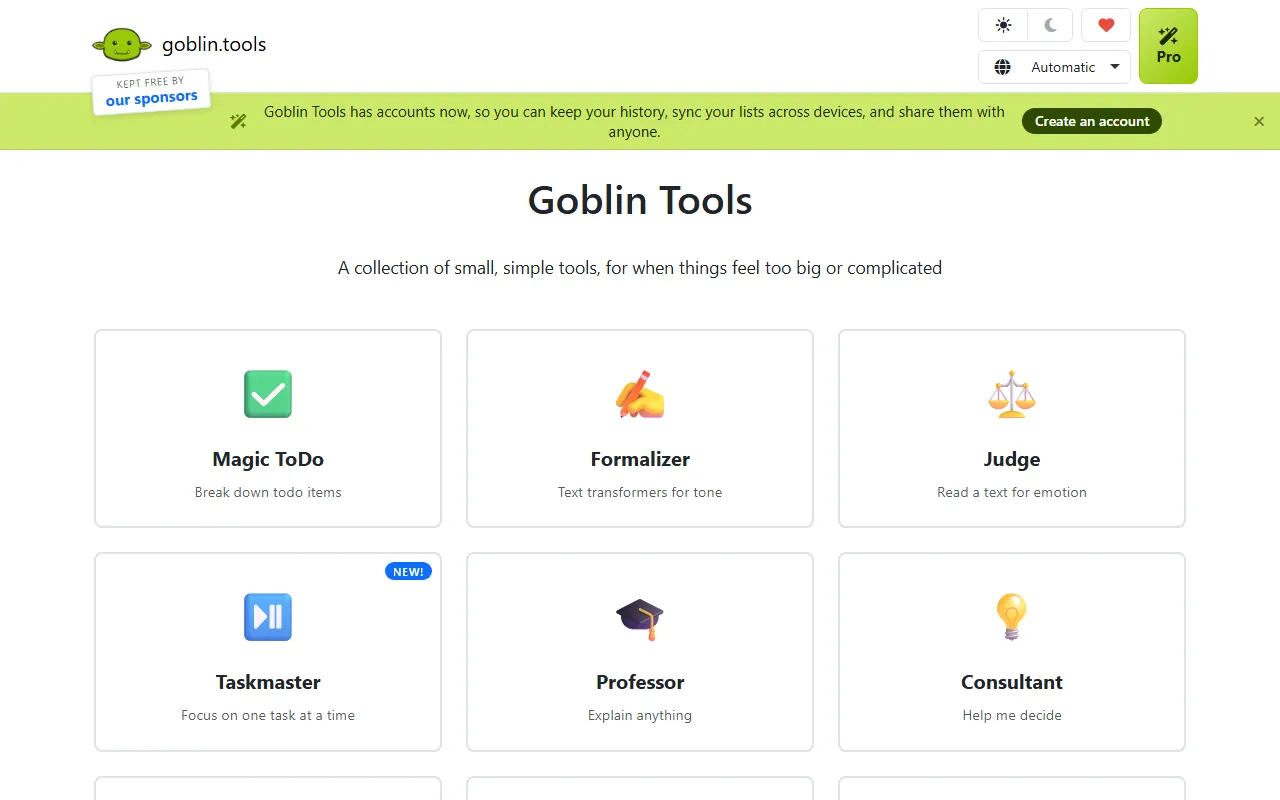
Goblin Tools is a set of small, single-purpose AI helpers, built mainly for neurodivergent people but useful for anyone. Magic ToDo breaks a vague task into steps, Formalizer rewrites text in a different tone, Judge reads the tone of a message, and Compiler turns a brain dump into actions.
The website is free without ads or paywalls, and accounts are optional (they add history and sync). The mobile apps cost a small amount, and a Pro subscription adds some advanced features. The creator says output should be treated as guesswork, not truth.
- Good for: getting unstuck on a task you keep putting off, or checking whether a reply sounds harsher than you meant.
- Watch out: the privacy policy says text for its AI tools is sent to OpenAI to process. Do not paste anything confidential.
Video and audio
Google Vids
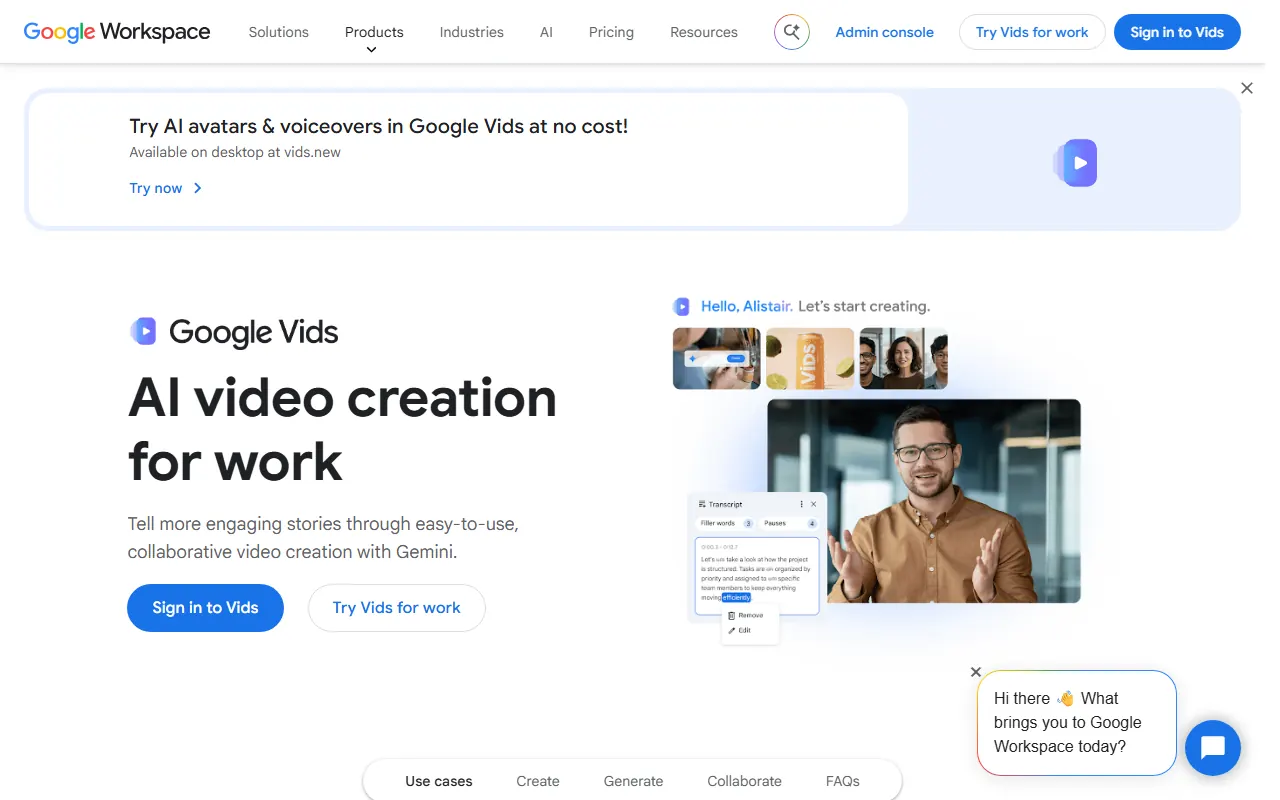
Google Vids is Google's video editor in the browser, with templates, recording, and AI features such as voice-overs, generated clips and preset avatars. Google says it is "available to try at no cost" with a Google account.
For a free personal account, Google's help page lists 50 AI credits a month (reset on the 1st, no roll-over), and AI video clips and avatars share a limit of 6 a month. Personal accounts only get preset avatars, many AI features are English only, and creating and editing work on desktop browsers only. Higher limits come with Workspace plans or Google AI subscriptions.
- Good for: a short product walkthrough or training video from a few slides and a screen recording.
- Watch out: the limits differ by account type and Google says they may change, so check the help page for your plan.
Lumen5
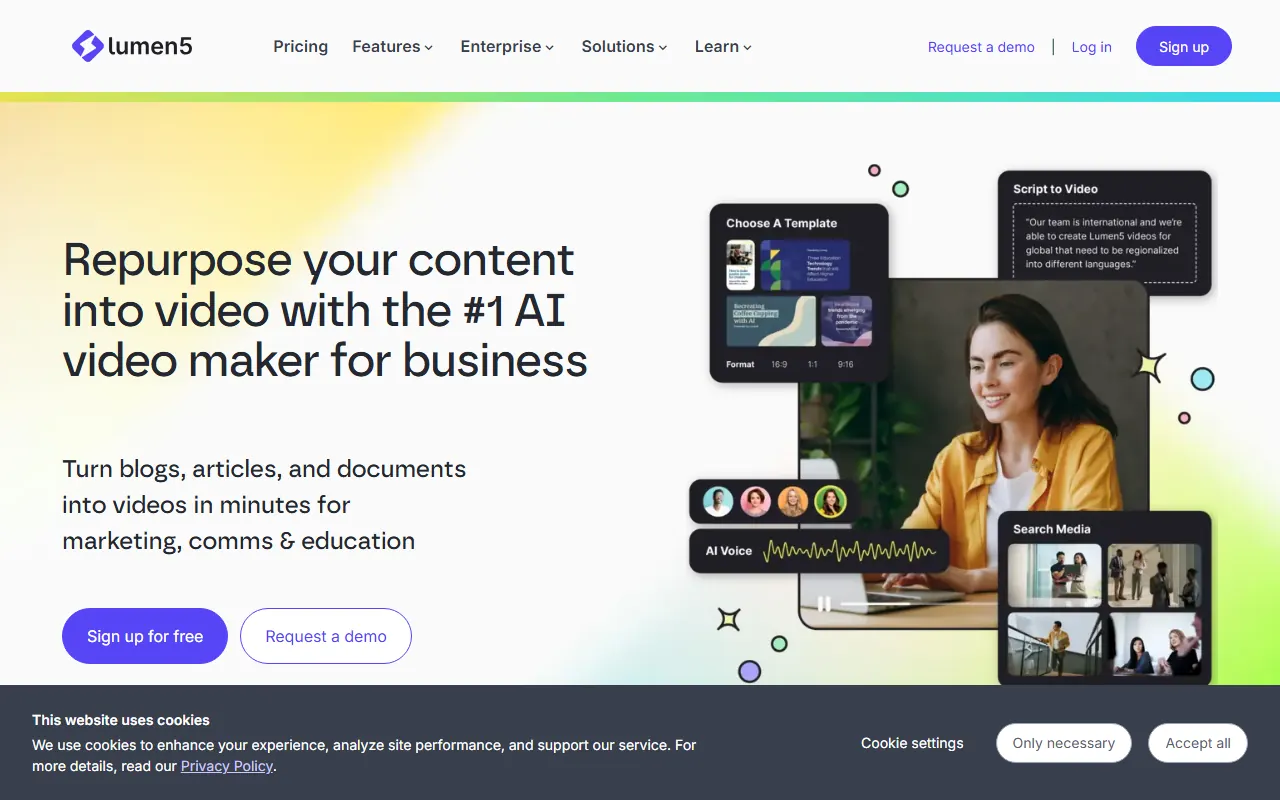
Lumen5 turns a blog post, article or script into a short video. Its pricing page still lists a free plan at $0: 5 videos a month, 720p, videos up to 2 minutes, and a Lumen5 branded outro at the end. No card is needed to start. The paid Basic plan removes the branding, and 1080p starts on the Starter plan.
- Good for: a quick social video from a post you have already written.
- Watch out: the outro and 720p are fine for testing an idea, less so for a client deliverable.
AudioMass
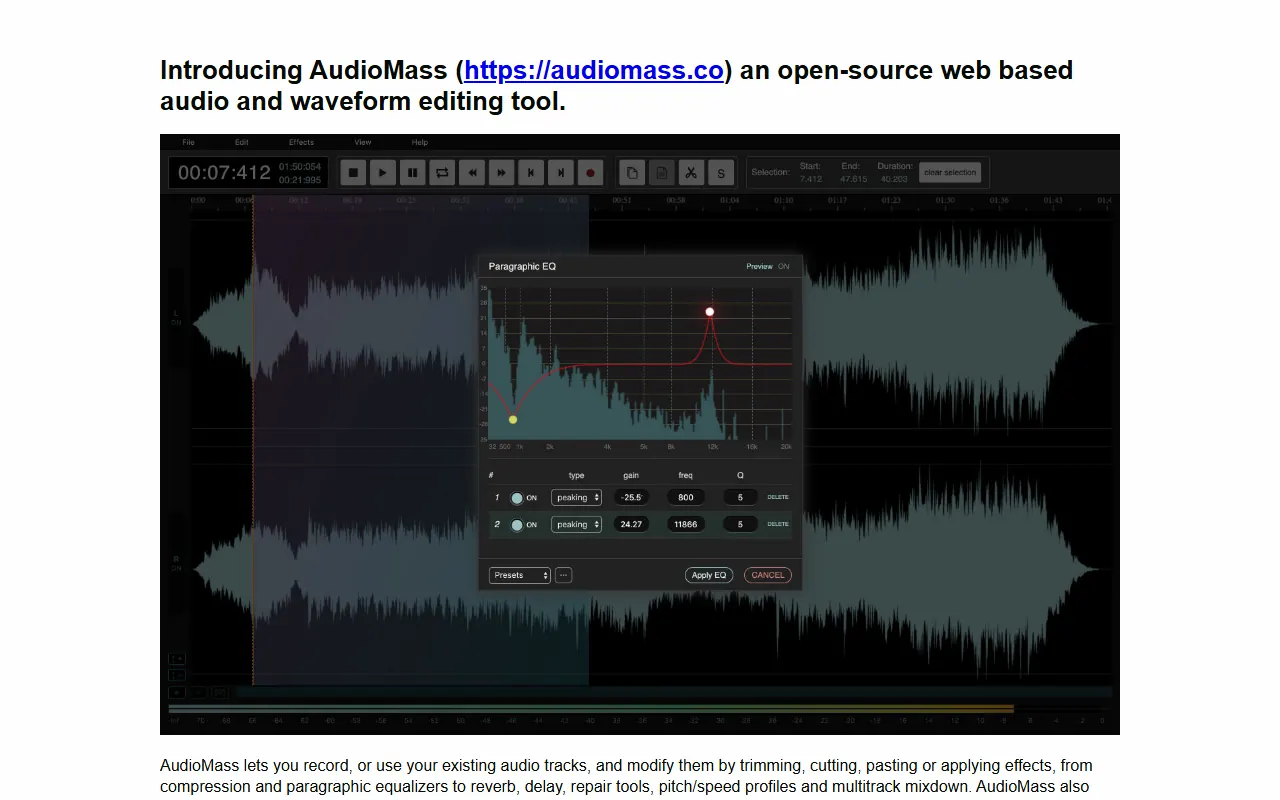
AudioMass is not AI. It is a free, open-source audio and waveform editor that runs in your browser with no backend, so your audio stays on your machine. It handles cutting, trimming, fades, normalising, compression, reverb, delay, click and hum repair, and now has a multitrack mode. It exports MP3 (and WAV for multitrack mixdowns) and keeps working offline once loaded. The code is MIT licensed on GitHub, and you can host it yourself.
- Good for: trimming a voice note, cleaning a podcast intro or cutting a ringtone without installing anything.
- Watch out: it is a lightweight editor. For long multitrack projects, a desktop tool like Audacity is still easier.
Cobalt
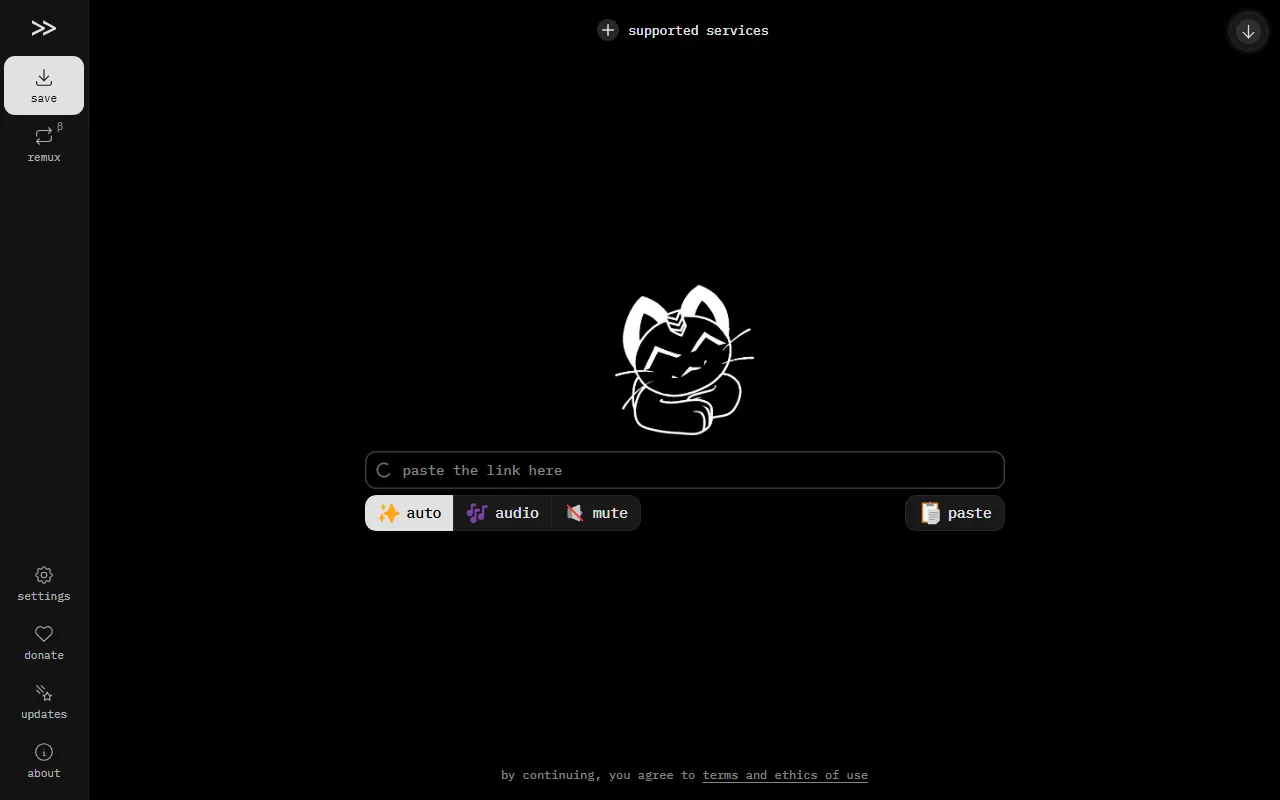
Cobalt is not AI either. You paste a link from a supported site (its list includes Vimeo, Bluesky, Reddit, SoundCloud, TikTok and others) and it gives you the video, audio or image file. It has no ads, trackers or paywalls, it is open source under AGPL-3.0, and the project says it keeps no logs and streams media to you without storing it on its servers.
- Good for: saving your own uploads, or a clip you have permission to reuse.
- Watch out: YouTube has been unreliable on the main cobalt.tools instance because of YouTube's own restrictions (the project's GitHub issue about it is still open), so check the status page. Only download media you have the right to use: Cobalt's terms make you responsible for what you save and share.
Files, PDFs and sharing
BentoPDF
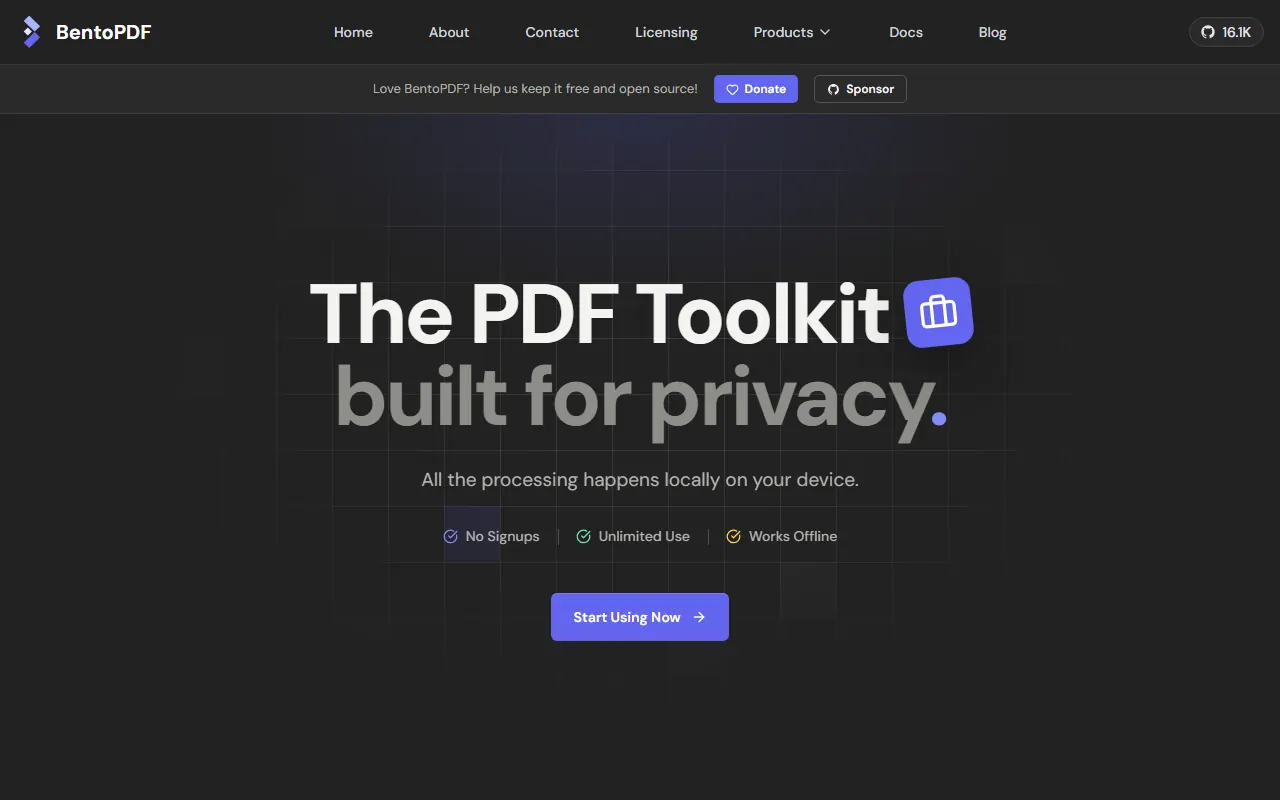
BentoPDF is a PDF toolkit with more than 100 tools (merge, split, compress, convert, sign, fill forms, remove metadata and more) that runs in your browser. The site says files are processed on your device and never sent to a server, with no sign-up, no file limits and no watermarks. It is open source under AGPL-3.0, with a paid commercial licence for closed-source use, and it can be self-hosted as static files.
- Good for: contracts, ID scans, invoices and anything else you should not upload to a random PDF site.
- Watch out: because the work happens on your device, very large files depend on your computer's memory.
TinyWow
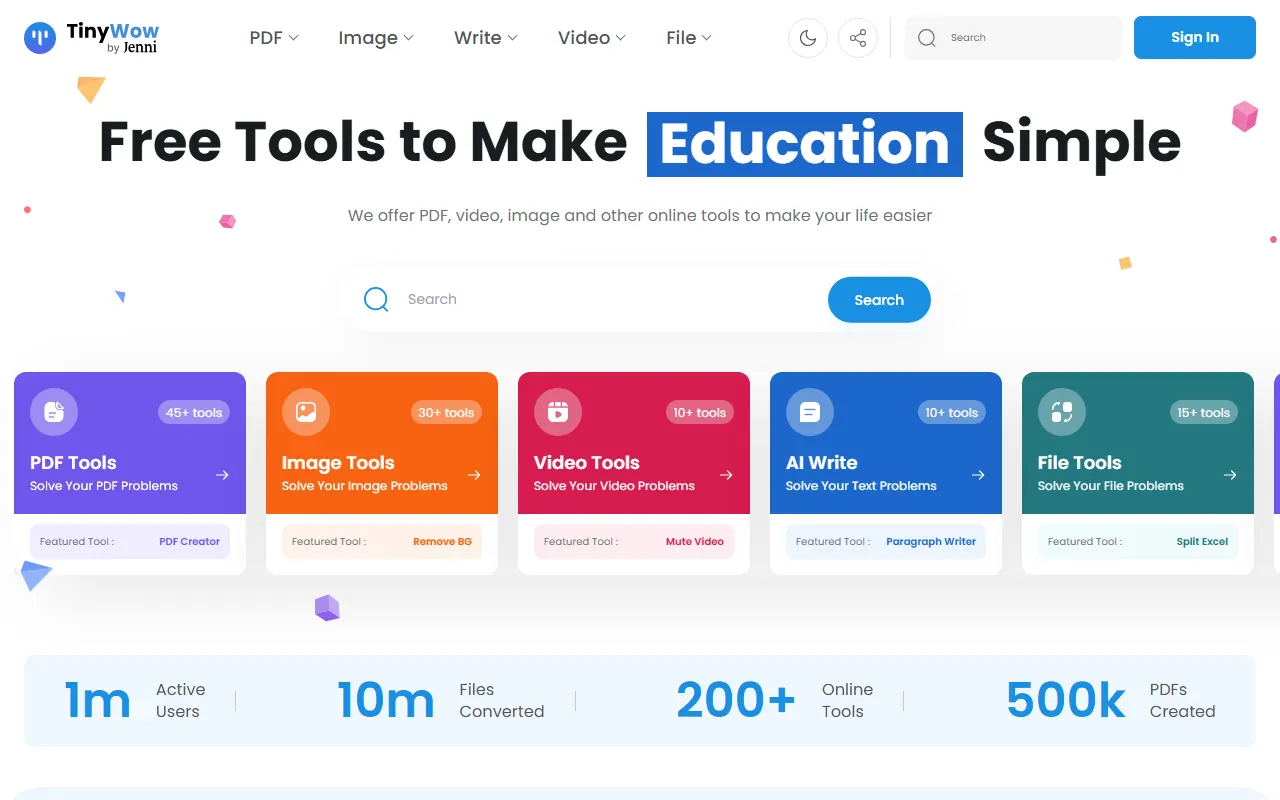
TinyWow bundles more than 200 tools: PDF conversion and editing, image tools (including background removal), video tools and AI writing tools. The home page says "No Limits, No Sign-Up", and Premium ($9 a month) removes ads and promises unlimited usage.
- Good for: one-off conversions when you need a format you do not usually deal with.
- Watch out: unlike BentoPDF, files are uploaded and processed on TinyWow's servers. It says all files are deleted after 1 hour, but keep sensitive documents for a local tool anyway.
PairDrop
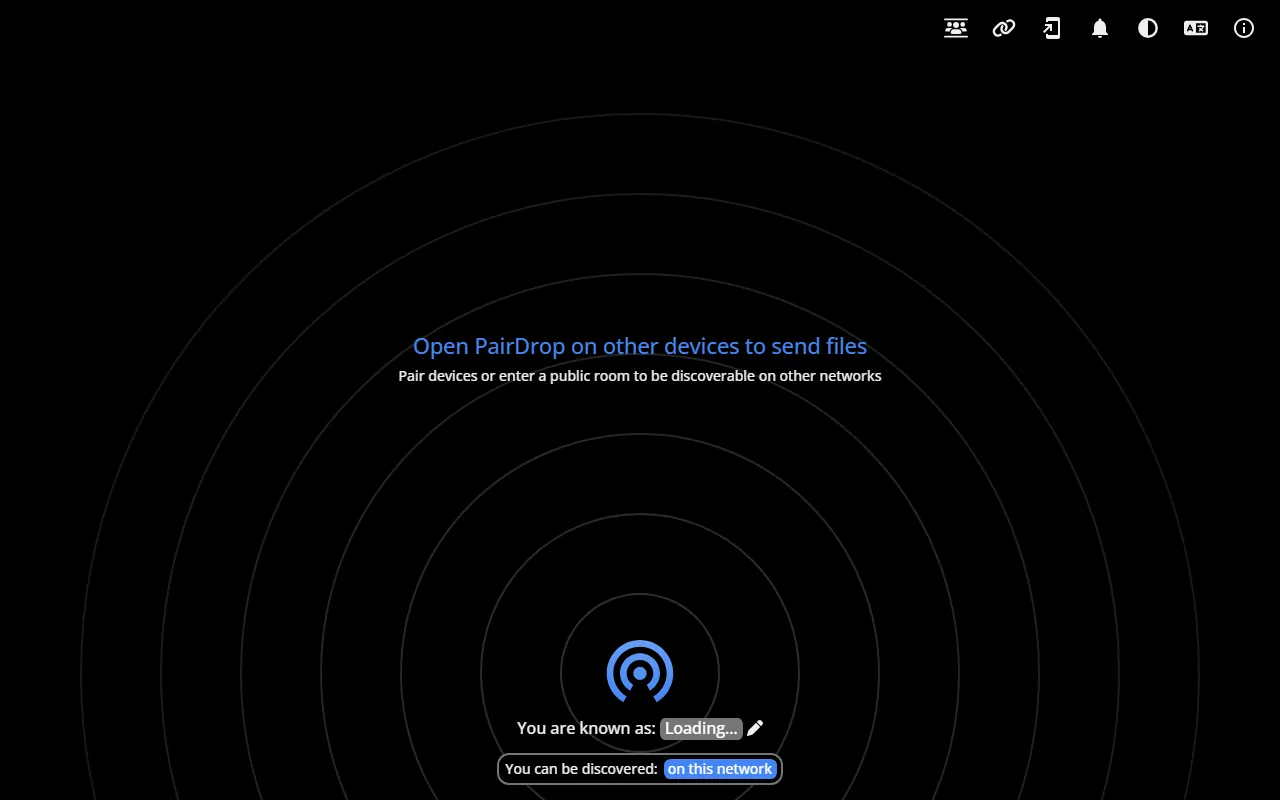
PairDrop is a free, open-source (GPL-3.0) way to send files between devices in the browser, similar to AirDrop but across Windows, Android, iPhone, Mac and Linux. Open it on both devices on the same network and they appear to each other. You can also pair devices with a code or join a temporary public room to send over the internet. No setup, no sign-up.
Transfers use WebRTC, peer to peer and encrypted in transit. The FAQ says files on the same network never go to a server, and the service does not use a database. Paired devices behind strict networks may be relayed through PairDrop's TURN server.
- Good for: getting a photo from your phone to a work laptop without emailing it to yourself.
- Watch out: everyone in a public room sees each other's devices, so leave the room when you are done.
Images
Photopea
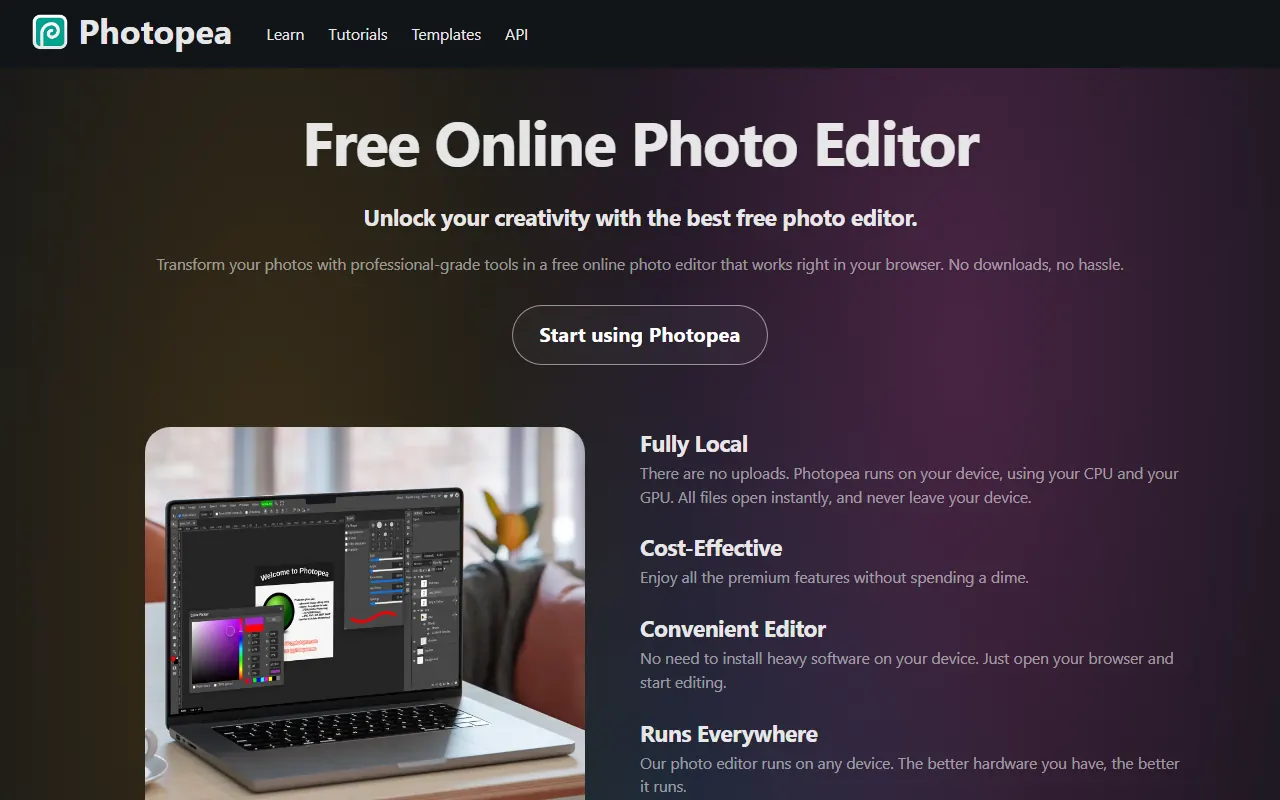
Photopea is a Photoshop-style editor in the browser that opens PSD files (its main format) along with AI, Figma, INDD, HEIC and many others. It says files are processed on your device and never leave it, and it works offline. It is free, with ads, and logging in is optional. A Premium account, a one-time payment for a set period, removes the ads and adds credits for the AI tools (background removal and replacing part of an image from a text description).
- Good for: editing a PSD from a designer when you do not have Photoshop, or resizing and cleaning up images for a website.
- Watch out: if you close the tab without saving, the work is gone. The AI tools work with credits and are a different case from plain editing, so do not assume they stay on your device too.
Forms
Tally
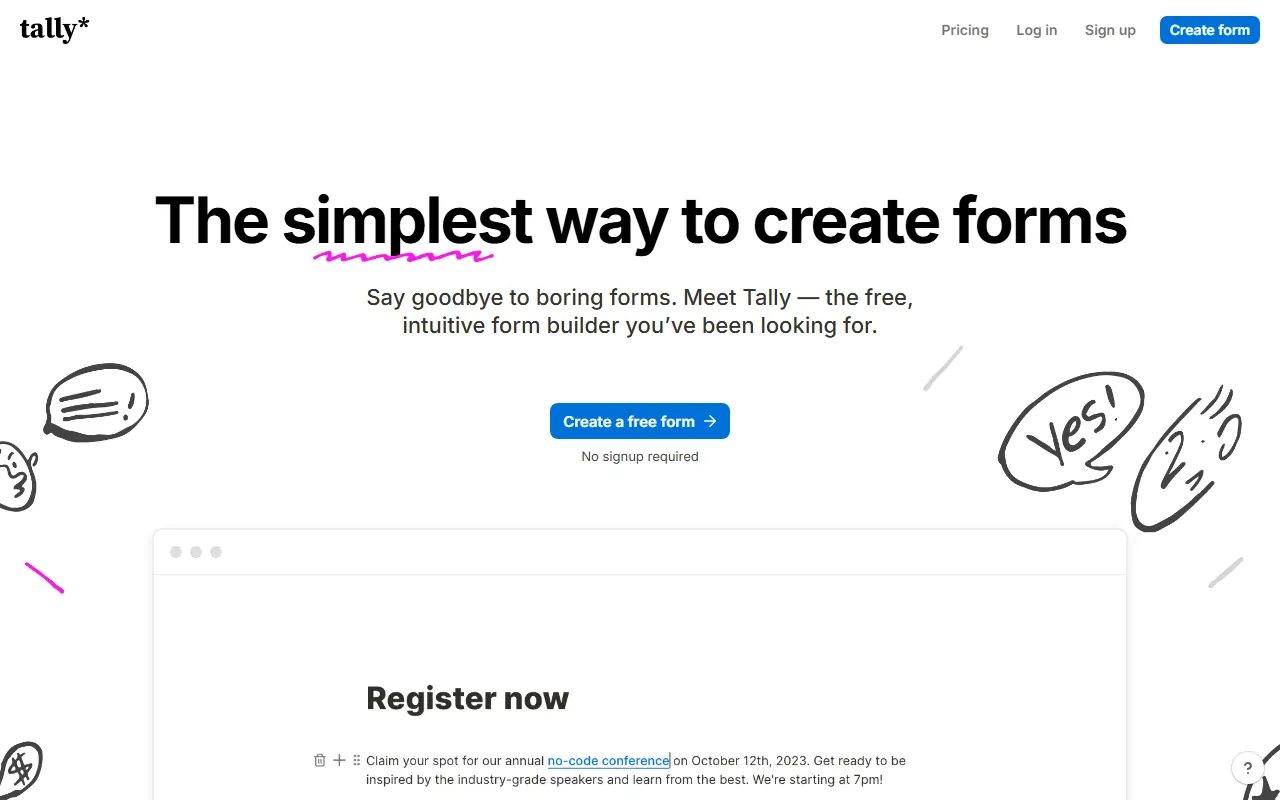
Tally lets you build a form by typing, the way you write a document, and adding blocks for questions. The free plan includes unlimited forms and submissions within fair use, plus conditional logic, signatures, calculations and file uploads (10 MB per file). You can start a form without signing up. Tally says it is GDPR compliant and hosted in Europe. The Pro plan ($24 a month) removes Tally branding and adds custom domains, partial submissions and larger uploads.
- Good for: contact forms, client intake questionnaires, event sign-ups and quick surveys, connected to Notion, Google Sheets or a webhook.
- Watch out: free forms show Tally branding. If you collect personal data, you still need your own privacy notice.
How I would use them together
- Research to slides: ask Perplexity for sources, read the originals, write the outline yourself, then let Gamma draft the deck and Napkin turn the key paragraph into a diagram.
- Private document work: use BentoPDF to merge, compress or sign, and PairDrop to move the file from your phone. Neither uploads your files to a third party's storage.
- A short explainer video: write the script, record the voice in any recorder, clean it in AudioMass, then build the video in Google Vids or Lumen5.
- Lead capture: a Tally form that sends answers to Google Sheets or a webhook is a perfectly good start before you need a CRM.
- Sensitive questions: Duck.ai for anything you would rather not keep in an account history.
Privacy checklist before you paste anything into a free AI tool
- Assume it is stored unless the tool's own privacy page says otherwise.
- Check training settings. Some tools train on free users' content by default (Perplexity's toggle is on by default, Qwen's policy allows de-identified training).
- Remove names, emails, phone numbers, account numbers and client details before pasting. Replace them with placeholders.
- Prefer tools that run in the browser (BentoPDF, Photopea, AudioMass) for private files.
- Check the source of any fact an AI gives you before you publish it.
I cover these habits in staying safe with AI, and the free AI prompt builder helps you write a clear prompt in your browser before it goes near an AI tool.
More free tools, and help if you need it
I also keep a set of free tools on this site, with no sign-up and everything running in your browser: a prompt builder, an MVP planner, AI API and call center cost calculators, an automation ROI calculator, a meta tag generator and a README generator.
If you want AI built into your own product or workflow, with your data handled properly, see AI integration, or email devusamaworks@gmail.com or WhatsApp +92 303 8004684 for a free 30-minute call.
A question about this article?Ask me on WhatsApp